
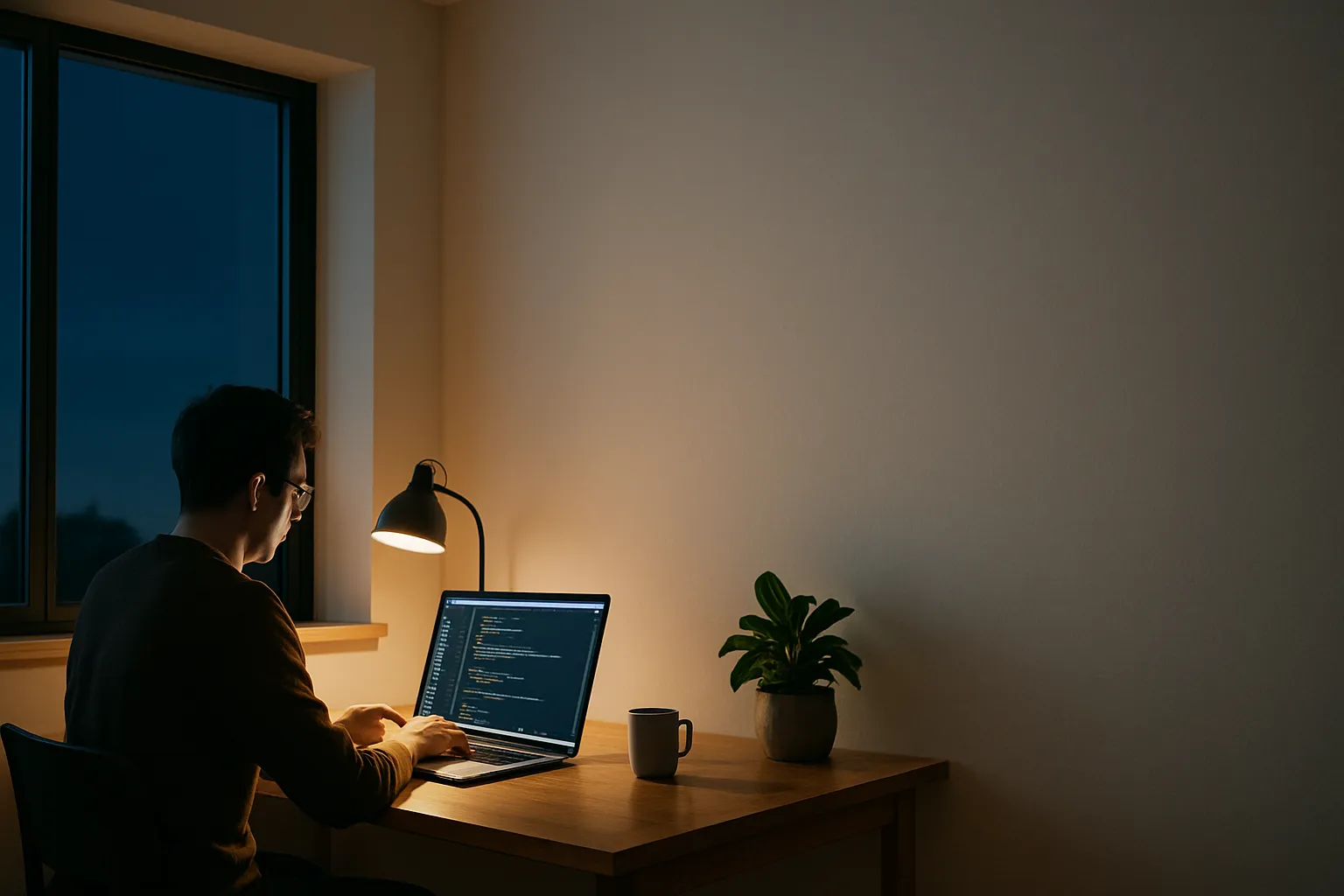
The question of what screen size is best for coding has shifted considerably over the past few years, and working programmers are driving that shift. Remote work normalized larger setups. Ultrabooks got sharper panels. And developers started caring more about how much code fits on screen without scrolling than about raw portability.
I spent years testing laptops across screen sizes ranging from 13 inches to 17 inches, watching how the numbers actually play out in daily coding sessions. A 13-inch machine that fits in a backpack feels freeing on a commute. It becomes a liability when you are stacking a terminal, an editor, and a browser side by side.
The trend settling in right now points toward 15 to 16 inches as the sweet spot most working developers land on. It is roomy enough for split panes yet light enough to carry. That said, the answer is not universal, and several factors push individual developers toward different sizes.
Screen size for coding is not just about inches. Pixel density, resolution, and how your IDE scales all matter as much as the physical diagonal. A crisp 14-inch 2.8K display can show more usable code than a blurry 15-inch 1080p panel, and understanding that distinction is what separates a frustrating purchase from a tool that holds up for years.
Which Laptop Resolution Suits Programming Best
Resolution shapes how much code you see at once, and that directly affects your flow. At 1080p on a 15-inch display, text starts to look soft and font rendering can fatigue your eyes after long sessions. Bumping to 1440p or above on the same screen size makes individual characters sharper, reduces squinting, and lets you run a slightly smaller font size without losing clarity.
Pixel density, measured in PPI (pixels per inch), is the number that ties resolution and screen size together. A 14-inch 2560×1600 panel sits around 214 PPI. That density means your editor renders subpixel hinting well, and syntax highlighting colors pop without bleeding into each other. Most developers who switch to a high-PPI display report that going back to 1080p feels immediately uncomfortable, even on a larger screen.
1080p vs. 1440p vs. 4K for Code
On a 13 or 14-inch laptop, 1080p can work if your budget demands it, but the experience is noticeably inferior for long sessions. At 1440p, you get the right balance of sharpness and rendering performance. A 4K panel on a small laptop often means scaling everything up to 200 percent just to keep text readable, which partially defeats the resolution advantage and increases GPU load.
Font Rendering and Eye Strain
Font rendering in IDEs like VS Code and JetBrains Rider varies by operating system and panel quality. On macOS, Retina displays handle subpixel rendering elegantly even at smaller sizes. Windows machines at 1440p need a good font with proper hinting, and choosing the right one matters. Coding fonts like Cascadia Code or Fira Code are designed with this in mind, and they perform best on panels above 150 PPI.
The practical recommendation for resolution is 1440p or higher on any screen 14 inches and above. Anything below that threshold starts compromising the experience in ways that compound over an eight-hour coding day, especially when you factor in multiple editor panes, documentation windows, and terminal output running simultaneously.
Also Read: Best Laptop For Ui Ux Designer
Screen Size Ranges and What They Actually Mean for Coding
Portable machines in the 13 to 14-inch range have a loyal following among developers who move constantly between offices, cafes, and client sites. The compromise is real but manageable if you pair the laptop with an external monitor at your desk. Used standalone, a 13-inch screen forces you to toggle between windows rather than view them side by side, and that context switching adds friction to debugging and code review.
The 15 to 16-inch range is where I consistently see developers land when they stop optimizing purely for portability. You gain enough horizontal real estate to run your editor and a browser preview at 50-50 split without either pane feeling cramped. Weight increases, typically by 400 to 600 grams compared to a 14-inch, but most shoulder bags absorb that difference without making commutes miserable.
Seventeen-inch laptops occupy a niche that suits developers who rarely leave their desk and want to avoid a separate monitor entirely. These machines are heavy and run warm, but the screen space they offer is genuinely productive for tasks like reviewing large pull requests, working with wide database schemas, or running multiple terminal sessions side by side without tiling apps.
The Line of Code Test
One practical test I use is counting visible lines of code at a comfortable font size. At 13 inches with 1080p and a 14pt font, most IDEs show around 40 to 45 lines. At 15 inches with 1440p and the same font, that number climbs to 60 or more. More visible lines mean fewer scrolling interruptions, and fewer interruptions mean better concentration during complex problem-solving.
Screen size ranges differ more than the inch count suggests when you factor in aspect ratio, which is a detail many buyers overlook entirely. A 16:10 panel on a 14-inch laptop often shows more vertical content than a 16:9 panel on a 15-inch, because code scrolls vertically. Machines with 16:10 or 3:2 aspect ratios are increasingly popular among developers for precisely this reason.
Which Laptop Resolution Suits Programming Best – Aspect Ratio and Pixel Layout
Aspect ratio is separate from screen size but deeply connected to coding productivity. Traditional 16:9 screens are wide and short, optimized for video. Code is tall and narrow. The shift toward 16:10 and 3:2 panels among developer-targeted laptops reflects how much that mismatch cost productivity, and manufacturers are responding to real feedback.
Here is a quick comparison of common configurations developers evaluate:
| Screen Size | Resolution | Aspect Ratio | Best Use Case |
|---|---|---|---|
| 13 inch | 2560×1600 | 16:10 | Highly mobile, paired with monitor |
| 14 inch | 2880×1800 | 16:10 | Daily carry, balanced productivity |
| 15 inch | 2560×1440 | 16:9 | Desk-primary, split-pane coding |
| 16 inch | 3456×2234 | 3:2 | Heavy workflows, no monitor needed |
| 17 inch | 2560×1440 | 16:9 | Stationary, multi-terminal setups |
A 16:10 display at 14 inches will often outperform a 16:9 display at 15 inches for pure coding comfort, because the extra vertical space keeps more function definitions and loop bodies visible without scrolling. That single spec can be the deciding factor when two machines look equivalent on paper.
Laptop External Monitor Setup for Programmers
Adding an external monitor changes the entire calculus of which laptop screen size to buy. When you have a 27-inch or 32-inch monitor at your desk, the laptop panel becomes secondary. In that case, a 13 or 14-inch machine that is fast and light makes more sense than carrying a 17-inch that duplicates work your monitor already handles.
Monitor resolution matters here too. Connecting a 1080p monitor to a sharp laptop panel creates a jarring visual inconsistency that wears on you across a full day. Pairing a 14-inch 2K laptop with a 27-inch 1440p external monitor keeps the visual experience consistent and gives you a combined workspace that serious development demands, especially if you are working across frontend and backend simultaneously.
The connector situation is worth planning in advance. DisplayPort and USB-C with Thunderbolt 4 carry the bandwidth needed for a 4K monitor at 60Hz or a 1440p monitor at 144Hz. HDMI 2.0 handles 4K at 60Hz. Developers running two external monitors need a dock or a laptop with multiple video outputs, and not every thin machine provides that without an adapter chain.
Choosing Monitor Size for a Coding Desk
For a primary coding monitor, 27 inches at 1440p is a proven configuration. Text is sharp, the screen fits comfortably in a standard field of view, and 1440p pushes GPU load far less than 4K while still looking clean at typical desk distances of 60 to 75 centimeters. Ultrawide 34-inch monitors appeal to developers who want three vertical panes without a multi-monitor stand.
Dual Monitor Setups
Running two monitors is common in professional development environments. A typical arrangement pairs a 27-inch primary display for the editor with a secondary 24-inch screen dedicated to documentation, browser testing, or a persistent terminal. This layout works best when both monitors share the same vertical height, avoiding constant neck adjustment that builds fatigue over a full work week.
The laptop itself in a docked setup primarily needs strong CPU performance, sufficient RAM, and a reliable Thunderbolt or USB-C connection rather than a large built-in panel, which frees you to prioritize those specs over screen size when budgeting.
Frequently Asked Questions
Is a 14-inch laptop big enough for coding?
A 14-inch laptop is large enough for productive coding, particularly at 1440p or higher resolution. The 16:10 aspect ratio found on many current 14-inch models adds meaningful vertical space for viewing code. Pairing it with an external monitor at your primary workstation covers the gaps for complex multi-pane workflows.
Does screen size affect coding speed?
Screen size affects how often you interrupt your focus to scroll or switch windows, which indirectly affects speed. A screen showing 60 visible lines versus 40 means fewer disruptions during deep work sessions. The impact is subtle per session but compounds meaningfully across a full workday of sustained development.
What is the minimum screen size for comfortable coding?
Most developers find 13 inches workable as a minimum but not ideal for extended standalone use. Below 13 inches, font sizes small enough to show sufficient code become eye-straining quickly. Fourteen inches is a more practical lower boundary if you do not have regular access to an external monitor.
Should I prioritize screen size or resolution for programming?
Resolution and pixel density matter more than raw screen size when both are in play. A 14-inch 1440p panel will serve most developers better than a 15-inch 1080p screen for long coding sessions. Prioritize PPI above 150 and a 16:10 or 3:2 aspect ratio before worrying about adding inches.
Do ultrawide monitors work well for coding?
Ultrawide monitors work well for developers who prefer three vertical panes without managing two separate screens. A 34-inch 3440×1440 ultrawide provides substantial horizontal real estate for an editor, terminal, and browser side by side. The limitation is that some IDEs and tools do not fully utilize extreme widths without manual window management configuration.
In a Nutshell
The one variable that changes the answer is whether you work primarily at a desk or on the move. For mobile-first developers, a 14-inch 16:10 panel at 1440p or above delivers the best balance of portability and usable screen space. For desk-bound workflows, the laptop screen size matters far less than what you plug into, and a 27-inch 1440p external monitor will reshape your daily coding experience more than jumping from 14 to 16 inches ever would. The line-of-code test remains my most honest benchmark for any screen you are considering.