
Photojournalists hauling gear through a press scrum and beat reporters chasing a 6 p.m. deadline operate in completely different worlds, yet the laptop requirements for journalists converge on a surprisingly short list of non-negotiable traits. A machine that dies in three hours is useless at a city council meeting. So is one that weighs eight pounds when you are sprinting across a convention floor. The balance between portability, endurance, and raw performance defines nearly every buying decision in this field.
Most journalists I have spoken with fall into one of two camps. They either over-spec a machine and lug unnecessary weight, or they buy something ultra-thin and discover it throttles under a deadline-crunch of open tabs, a video call, and a cloud upload running simultaneously. Neither extreme serves the job well. The sweet spot is narrower than manufacturers would have you believe.
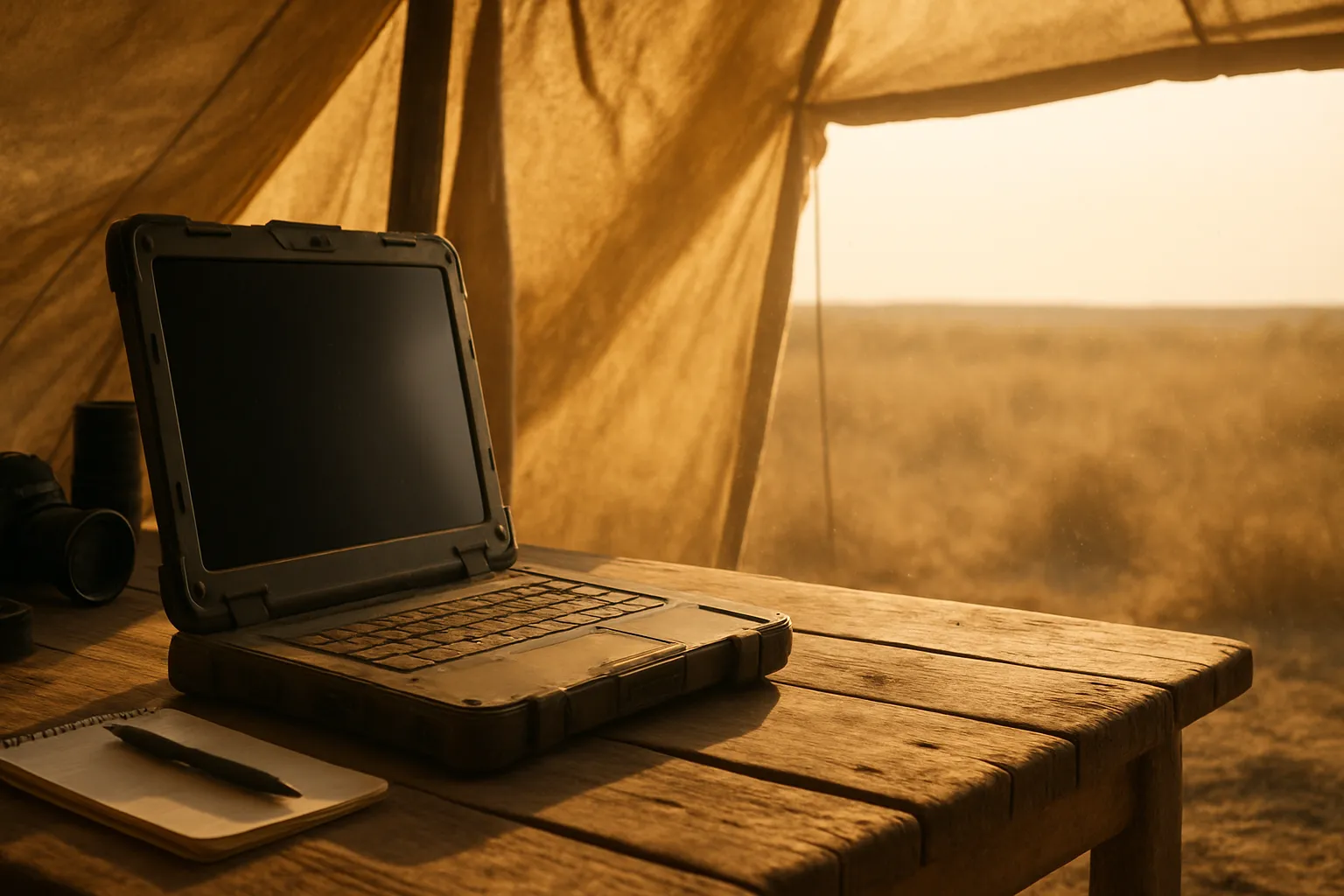
Durability matters more than most spec sheets acknowledge. A laptop that survives a rainy outdoor assignment, a bag dropped on a subway platform, or a coffee spill in the newsroom is worth far more than one with a faster chip but a flimsy chassis. Field-ready build quality separates tools from toys in this profession.
Battery life, weight, keyboard feel, and connectivity each carry real weight in the journalist’s calculus. The sections below break each one down in practical terms, drawn from years of testing machines in actual working conditions rather than temperature-controlled labs.
Performance That Keeps Up With the Story
Raw processing speed matters, but not in the way most people assume. A journalist writing copy, editing audio clips, and managing browser sessions does not need a workstation. What they need is consistent, sustained performance that does not throttle after twenty minutes of moderate load.
An Intel Core i5 or AMD Ryzen 5 processor handles the overwhelming majority of text-based and audio journalism tasks without strain. Video journalists editing 4K footage require a step up, typically a Core i7, Ryzen 7, or Apple M-series chip, because the render queue during a live news cycle has no patience for a slow processor. The difference in real-world editing speed between a mid-range and high-end chip can stretch a twenty-minute export to nearly an hour.
RAM is the other lever. Sixteen gigabytes covers most newsroom workloads comfortably. Twelve is workable. Eight becomes a bottleneck the moment you are running a transcription tool alongside a browser with fifteen tabs open, a Slack channel pinging, and a cloud backup running in the background.
Processor Tiers Worth Knowing
Entry-level chips like the Celeron or Pentium line are unsuitable for professional journalism work. They stall under multitasking pressure that any working reporter generates routinely. A Core i5 or Ryzen 5 should be the floor, not the ceiling, for anyone treating their laptop as a primary work tool.
Apple Silicon deserves its own mention. The M2 and M3 chips deliver sustained performance with thermal efficiency that x86 chips still struggle to match, which makes them particularly compelling for journalists who cannot afford fan noise during an interview recording or thermal throttle during a late upload.
Storage Speed and Capacity
An NVMe SSD is non-negotiable. Spinning hard drives and even older SATA SSDs create noticeable lag when loading large audio files, exporting video, or running multiple applications at once. Five hundred gigabytes is a reasonable minimum; one terabyte gives you comfortable room for raw footage, archived files, and operating system overhead without constantly shuffling data to external drives.
Also Read: Best Laptop For Writers
Battery Life Is Not a Luxury
A journalist’s office changes hour by hour. A courthouse hallway, a campaign bus, a stadium press box – none of these reliably offer a power outlet. Battery life is, in practical terms, a measure of professional freedom.
Ten hours of real-world battery life should be the target. Note the phrase “real-world.” Manufacturer figures are recorded under screen brightness settings no one actually uses and with Wi-Fi turned off. Shave thirty to forty percent off any quoted figure and you are closer to what you will experience with Wi-Fi on, brightness at sixty percent, and applications running. A laptop claiming fifteen hours on the spec sheet typically delivers nine to ten in the field, which is still excellent.
Machines based on ARM architecture, particularly Apple’s M-series and Qualcomm Snapdragon X Elite-powered Windows laptops, lead the pack here. They manage power with a discipline that Intel and AMD platforms are still catching up to, especially under moderate workloads. A journalist writing a 1,200-word piece, cross-referencing sources in a browser, and keeping a chat app open is exactly the kind of moderate workload where ARM shines.
Charging speed matters almost as much as total capacity. A laptop that can recover fifty percent charge in thirty minutes is far more useful in a newsroom sprint than one that takes two and a half hours for a full charge. USB-C charging is now common enough that most modern machines support it, which also means one charger handles a laptop and a phone.
Weight and Portability Under Pressure
Three pounds feels meaningfully lighter than four when the bag already holds a camera, a recorder, a notebook, and a press pass lanyard. Journalists who travel frequently or work mobile assignments should treat weight as a hard constraint, not a preference. Under three pounds is ideal; under four is acceptable for most; anything beyond that demands a genuine performance justification.
Screen size pulls in the opposite direction. A thirteen-inch display is lighter and easier to work on the go, but a fifteen-inch panel gives more screen real estate for editing timelines or comparing documents side by side. Many journalists settle on a fourteen-inch machine as the compromise that sacrifices the least in either direction.
Chassis material tells you a lot about longevity. Magnesium alloy and carbon fiber constructions absorb stress better than polycarbonate plastic, which tends to creak, flex, and crack at hinge points after eighteen months of daily abuse. Aluminum chassis machines sit in the middle – attractive and reasonably rigid, though heavier than carbon fiber alternatives.
Keyboard and Display Quality for Long-Form Work
A journalist types for a living. The keyboard is not a peripheral feature. Key travel, tactile feedback, and layout consistency determine whether writing for six hours straight leaves your fingers fatigued or not. Shallow island-style keyboards have improved considerably, but there is still a meaningful gap between the best – Lenovo ThinkPad keyboards remain the reference point for many professionals – and the merely adequate.
Display quality matters most for video journalists and photojournalists reviewing images in the field. A minimum of 300 nits brightness keeps a screen legible in outdoor light. Color accuracy matters less for text work but becomes critical if you are grading video or evaluating photos before publication under deadline pressure.
The following table summarizes key display and keyboard considerations across common journalist use cases.
| Use Case | Minimum Brightness | Key Travel Priority | Display Color Accuracy |
|---|---|---|---|
| Text and copy writing | 250 nits | High | Low |
| Audio journalism | 250 nits | High | Low |
| Video editing | 350 nits | Medium | High |
| Photojournalism review | 400 nits | Medium | High |
| Field reporting | 400 nits | High | Medium |
Glare-resistant coatings are worth paying attention to. Glossy displays look vivid on a showroom floor and become nearly unusable on a sunny press deck. Matte finishes or anti-glare treated panels make outdoor use bearable without forcing you to hunt for shade every time you need to check a quote.
Connectivity and Port Selection
Modern ultra-thin laptops have stripped ports aggressively. Two USB-C ports and a headphone jack is not an uncommon configuration, and it creates real friction for a journalist who needs to plug in a USB-A recorder, an SD card from a camera, an Ethernet cable at a press event with unreliable Wi-Fi, and charge the machine simultaneously. Dongles work, but they add bulk, cost, and one more thing to forget.
At minimum, look for two USB-C ports with at least one supporting Thunderbolt 4 or USB4, one full-size USB-A port, a microSD or SD card slot, and a 3.5mm audio jack. HDMI is useful for presenting but less critical than the others.
Wireless connectivity should not be an afterthought. Wi-Fi 6E support ensures the laptop performs on modern press-event networks where dozens of devices compete for bandwidth. Bluetooth 5.0 or newer keeps wireless peripherals and audio devices stable. Some journalists covering remote assignments also benefit from a built-in LTE or 5G modem, though this remains a premium feature not yet standard on most machines.
Durability and Build Standards
Press environments are not gentle. A laptop used for journalism moves between climates, gets set down on rough surfaces, endures crowded bags, and occasionally gets caught in weather. MIL-STD-810H certification is the standard testing benchmark that covers drops, vibration, temperature extremes, humidity, and altitude variations. A machine that carries this certification has passed a structured abuse test, though passing the test does not guarantee immunity from every real-world incident.
What MIL-STD-810H Actually Tests
The standard runs the device through drop tests at specified heights, thermal cycling between hot and cold extremes, humidity exposure, and pressure changes matching high-altitude environments. It does not test for water resistance in the way IP ratings do for smartphones. A certified machine might still be vulnerable to a direct liquid spill unless the manufacturer separately confirms keyboard drainage channels or spill resistance.
Hinge and Lid Construction
Hinge quality determines how long a laptop survives daily open-and-close cycles. Budget machines often show hinge wobble or cracking within the first year of regular use. Look for metal barrel hinges rather than plastic ones, and check user reviews specifically for hinge complaints eighteen months after release, when early fatigue issues tend to surface.
Keyboard drain channels are a small design feature that carries outsized importance. A coffee spill onto a keyboard without drainage typically means a motherboard replacement. Several ThinkPad models and select HP EliteBook configurations include channels that route liquid away from critical components, buying enough time to power down safely.
Frequently Asked Questions
How much RAM does a journalist’s laptop need?
Sixteen gigabytes covers most professional journalism workflows without compromise. Twelve gigabytes works for primarily text-based reporters who keep browser tabs moderate. Eight gigabytes becomes a real bottleneck once transcription software, a browser, cloud sync, and a communication app run at the same time during a deadline push.
Is a MacBook a practical choice for field journalism?
Apple’s M-series MacBooks deliver exceptional battery life and sustained performance without fan noise during moderate workloads, which makes them well-suited to interview environments and remote reporting. The trade-off is a closed ecosystem and fewer native ports, which means carrying adapters for USB-A recorders and SD cards.
Does screen size matter for journalism work?
It depends on the type of journalism. Text reporters manage well on thirteen-inch panels, prioritizing lighter weight and compactness. Video editors and photojournalists benefit from at least fifteen inches of screen real estate for timeline precision and accurate image review, even if the machine weighs slightly more.
What is the minimum battery life a journalist should accept?
Target ten hours of real-world use after discounting manufacturer figures by thirty to forty percent. Anything below eight hours of actual use creates daily anxiety on long assignments without power access. Charging speed matters too, since a fast-charging machine compensates meaningfully for a moderately smaller battery.
Are rugged laptops worth it for journalism?
Fully rugged laptops, like Panasonic Toughbook models, are built for extreme conditions but carry significant weight and price penalties. Most journalists are better served by MIL-STD-810H certified business laptops that balance durability with portability, unless the assignment environment regularly involves water, mud, or extreme temperature swings.
Last Word
Choosing between a featherlight ARM machine with extraordinary battery life and a heavier but more connected business laptop with full port selection is a real trade-off with no clean answer. A journalist covering remote assignments may never need Ethernet but will absolutely need those ten-plus hours. One working urban beats daily may value the ThinkPad keyboard and built-in USB-A above everything else. Neither choice is wrong. What matters is whether the machine survives the specific pressure of your particular beat without becoming the story itself.