
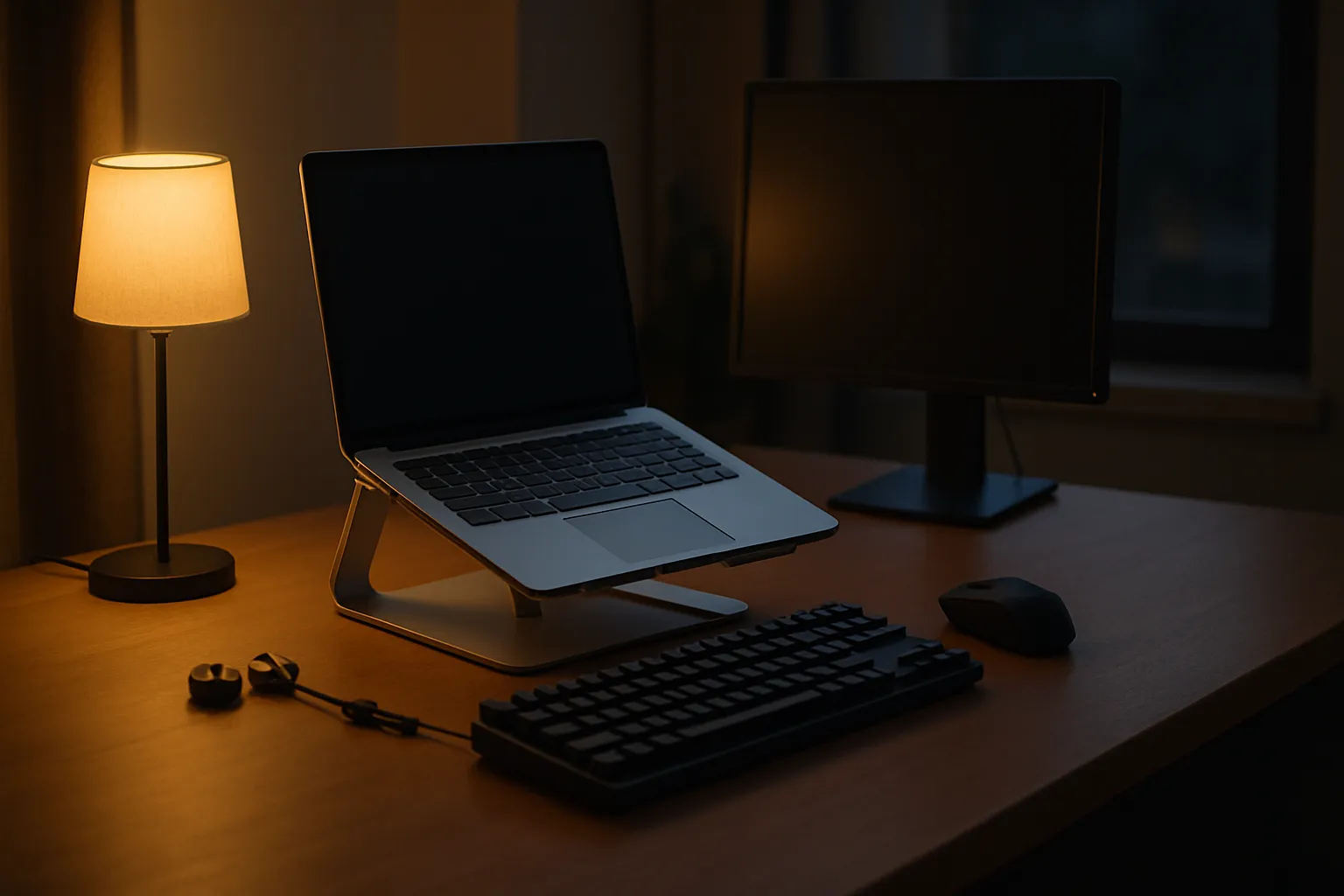
Wrist pain at hour six of a coding session is the kind of problem that makes you reconsider everything on your desk. The right accessories for programmers are not luxury items. They are the difference between sustainable output and a repetitive strain injury that sidelines you for weeks. I have watched engineers spend thousands on a powerful machine and then pair it with a flimsy keyboard that fights them all day.
The market is loud. Every peripheral brand claims it will transform your workflow, and very few actually deliver. Cutting through that noise takes experience with real hardware across real workloads. A mechanical keyboard that feels perfect for a frontend developer might frustrate a systems programmer who needs quieter switches for open-office environments.
Ergonomics, build quality, and compatibility all matter. So does understanding that not every programmer works the same way. Some of you are deep in terminal windows for ten hours. Others split time between meetings, documentation, and code review. The peripheral setup that serves a solo freelancer working from a home studio is genuinely different from what a senior engineer needs in a shared office.
This guide covers what actually makes a difference at the desk. Every recommendation comes from hands-on use, not spec sheets.
Mechanical Keyboards Worth Your Attention
The keyboard is the tool you touch every single minute of every coding session. A membrane keyboard might save you money upfront, but the mushy feedback creates fatigue over long sessions in a way that compounds quietly until it becomes a real problem. Switches matter enormously, and the wrong choice will cost you more in productivity than the keyboard saved you at checkout.
Tactile switches like the Cherry MX Brown or Gateron Brown give you a bump without the loud click, which makes them one of the most popular choices for programmers who share a workspace. Linear switches appeal to developers who prefer a smooth, fast keystroke with no tactile interruption. Clicky switches, while satisfying, are a social liability in any shared environment.
Tenkeyless vs. Full-Size Layouts
The numpad debate comes up constantly. For most programmers, a tenkeyless layout is the better call because it keeps your mouse closer to home row, reducing shoulder strain over long sessions. Full-size boards make sense if you regularly input numerical data or work with spreadsheets alongside your IDE.
Programmable Layers and Macros
A keyboard with programmable layers lets you map complex key combinations to a single keystroke. For tasks like launching a build script, toggling between virtual machines, or inserting boilerplate snippets, that kind of customization saves real time across a full workday. Boards running QMK or VIA firmware give you the deepest level of control without any proprietary software.
Budget at least a moderate amount for a board with a solid aluminum case, hot-swap sockets for trying different switches, and per-key RGB if you work in low-light conditions frequently.
Also Read: Best Laptop For Net Programming
Mice and Trackballs for Long Coding Days
Precision matters less for programmers than it does for graphic designers, but ergonomics matter enormously. A standard symmetrical mouse forces your hand into a pronated position, which, over months of daily use, puts chronic stress on the forearm muscles and tendons in ways that are hard to reverse quickly. Vertical mice and ergonomic shaped options address this by keeping the wrist in a more neutral handshake position.
Trackballs solve a different problem. If your desk space is limited or you spend time on a laptop tray or non-flat surface, a trackball eliminates the need to move the entire device. The Kensington SlimBlade and Logitech MX Ergo are two options I return to when recommending to developers who report wrist discomfort. Neither feels natural in the first week, but both pay off significantly after the adjustment period.
DPI matters up to a point. For programming work, anywhere between 800 and 1600 DPI covers most monitor setups comfortably. Chasing higher numbers is mostly a gaming marketing concept that does not translate to coding workflows.
Monitors and Display Setups That Reduce Eye Fatigue
Screen real estate is productivity. A single 1080p monitor forces constant window juggling that interrupts the flow state programmers depend on for complex problem-solving. Dual monitors or one ultrawide panel both solve this, and the right choice depends entirely on how you use your workspace and whether you prefer a single panoramic field or two distinct zones.
Panel type matters more than many developers realize. IPS panels deliver accurate colors and wide viewing angles, which helps when you are reviewing UI work or sharing your screen during a code review. TN panels are faster but have poor viewing angles and washed-out colors at any offset, making them a poor fit for a developer who also handles any visual work. VA panels fall in between, offering better contrast than IPS at the cost of some color accuracy.
Here is a quick comparison of common monitor types for programming use:
| Panel Type | Color Accuracy | Viewing Angle | Best Use Case |
|---|---|---|---|
| IPS | High | Wide | Full-stack, UI work |
| TN | Low | Narrow | Speed-critical tasks only |
| VA | Medium | Medium | Backend, terminal work |
| OLED | Excellent | Very Wide | Premium all-around use |
Eye fatigue also comes from refresh rate, flicker, and blue light output. A monitor with hardware-level flicker-free backlighting is worth prioritizing, especially if you routinely put in sessions longer than five hours.
Desk and Ergonomic Accessories That Protect Your Body
Posture problems are slow and deceptive. They do not announce themselves until months of poor positioning have already done damage. A monitor arm is one of the most impactful purchases a programmer can make because it allows you to position the screen at exact eye level without compromising depth, which is something a fixed stand can almost never deliver cleanly.
A standing desk or a sit-stand converter changes the equation for people who feel stiffness or lower back pain during long sessions. You do not need to stand all day. Alternating between sitting and standing in roughly forty-five-minute blocks produces measurable reductions in end-of-day fatigue for most people who adopt the habit consistently after the first two weeks.
Wrist Rests and Keyboard Trays
A wrist rest should support the heel of your palm during breaks, not prop your wrists up during typing. Typing with raised wrists increases carpal tunnel risk. Gel and memory foam both work; the choice is personal preference. Keyboard trays mounted under the desk let you position the board at a negative tilt, which is the most ergonomically correct angle for most typists and is impossible to achieve on a standard desk surface.
Chair and Lumbar Support
No peripheral list is complete without mentioning the chair. Lumbar support keeps the natural curve in your lower spine, preventing the slow slump that causes disc compression over years of desk work. Chairs with adjustable armrests let you align your elbows at ninety degrees, which reduces the shoulder elevation that causes neck tension during long coding blocks.
Audio Accessories for Focus and Communication
Open-plan offices are hostile to focus. A pair of well-tuned noise-cancelling headphones is one of the most defensible purchases a programmer can make for protecting concentration, because the cognitive cost of interruption during complex reasoning tasks is high and largely invisible in productivity metrics. The Sony WH-1000XM5 and Bose QuietComfort Ultra both deliver strong cancellation across speech frequencies where colleagues and office noise concentrate.
For remote developers, microphone quality matters as much as headphone quality. A tinny built-in laptop mic signals a lack of care to everyone on your call, and it forces colleagues to strain through audio artifacts during technical discussions where precision of language already matters. A USB condenser microphone positioned six to eight inches from your mouth will transform call clarity at a cost that is easy to justify.
Earbuds are a reasonable alternative for developers who travel frequently or prefer a lighter footprint on the desk. True wireless options with active noise cancellation have improved enough in recent years that they are now a practical substitute for over-ear headphones in most non-studio environments.
Frequently Asked Questions
Do programmers really need a mechanical keyboard?
Not every programmer needs one, but most who switch report less fatigue and faster typing over long sessions. The tactile feedback reduces misfires. If you type for more than four hours a day, the ergonomic and speed benefits of a quality mechanical board tend to outweigh the initial cost.
What mouse is best for avoiding wrist strain?
A vertical or ergonomic mouse that keeps your forearm in a neutral position is the safest long-term choice. The Logitech MX Ergo trackball and vertical mice from Logitech and Anker are strong starting points. Fit your hand size and grip style before committing to any specific model.
How many monitors do most programmers use?
Most professional developers use two monitors, though one large ultrawide is an increasingly popular alternative. A second screen primarily holds documentation, terminals, or communication tools, freeing the primary display for the IDE and keeping context switches within a single glance rather than a window search.
Is a standing desk worth buying for programming work?
For sessions exceeding six hours, a sit-stand desk provides real long-term benefits to lower back health and afternoon energy levels. You do not need an expensive motorized option to start. A sturdy converter placed on an existing desk delivers the same positional benefits at a fraction of the cost.
Do noise-cancelling headphones actually improve coding productivity?
Yes, measurably so in open office environments. Blocking ambient speech is the critical factor, since human voices are the most cognitively disruptive noise type for knowledge workers. Options with strong mid-frequency cancellation, like the Sony WH-1000XM5, address exactly that frequency range most aggressively.
In a Nutshell
The one variable that changes the answer here is your specific work context. A developer logging eight-hour remote sessions needs a monitor arm set to true eye level and a noise-cancelling pair of headphones far more urgently than a programmer who works two-hour blocks in a quiet room. The IPS panel comparison in the table above shifts the decision differently for a full-stack developer than for a pure backend engineer. Start with the chair. Then address the keyboard, because both directly affect whether you can keep working at full capacity past hour four without physical cost.