
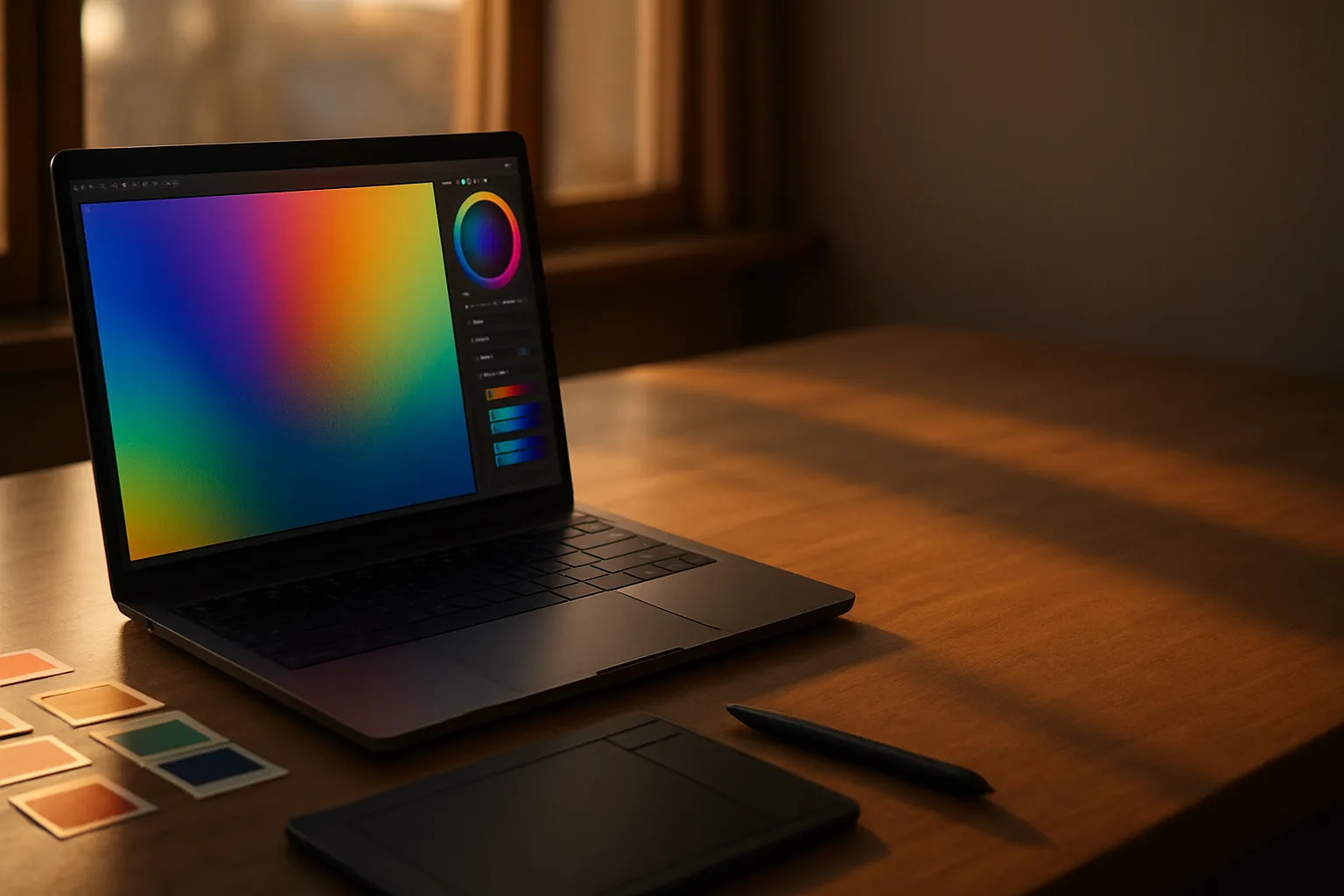
Screen resolution shapes every creative decision an artist makes, from the precision of a brush stroke to the accuracy of a color grade. I have worked with dozens of displays over the years, and the gap between a 1080p panel and a 4K one is more than a number. Detail matters enormously when your livelihood depends on what you see.
Most artists compare panels by color gamut and refresh rate, but resolution often gets underweighted in that conversation. A photographer retouching skin tones on a low-resolution display is essentially guessing at the pixel level. The sharpness of a 4K screen lets you zoom out and still trust what you are seeing.
Not every artist needs the same resolution. A digital illustrator working at large canvas sizes has different demands than a motion graphics editor reviewing compressed video exports. Resolution requirements shift with the discipline, the workflow, and the final output medium.
I have tested laptops and external displays side by side across photography, illustration, video editing, and UI design. The patterns that emerge are consistent enough to give real guidance. What follows is what I know from hands-on work, not spec sheets alone.
Baseline Resolution Requirements for Visual Artists
The minimum that professional artists should consider is 1920 x 1080, commonly called Full HD or 1080p. At typical laptop screen sizes of 15 to 16 inches, 1080p is workable but not ideal. You lose fine edge detail in linework and can miss banding in gradients that would be obvious on a sharper panel.
A 2560 x 1600 or QHD panel represents the sweet spot for most creative workflows. You get noticeably sharper rendering without the performance overhead that a true 4K display demands. For illustration, graphic design, and photography, this range handles the majority of professional needs without compromise.
4K resolution, at 3840 x 2160, becomes necessary in specific situations. Color grading for cinema delivery, printing at large format, and pixel-perfect UI design for high-DPI targets all benefit from it. Outside those niches, QHD is the more practical choice for most working artists who need portability alongside image quality.
Pixel density, measured in pixels per inch (PPI), matters as much as the raw resolution number. A 4K display on a 17-inch screen delivers around 259 PPI. That same 4K resolution spread across a 32-inch external monitor drops to about 137 PPI, which looks noticeably softer up close.
Also Read: Best Laptop For Cyber Security
How Different Art Disciplines Change the Answer
Digital Illustration and Concept Art
Digital illustrators benefit from high pixel density more than from raw resolution alone. Working at 2x zoom on a QHD display gives you the visual fidelity to judge stroke quality at print size. Most professional illustrators I have spoken with name a 2560 x 1600 panel as the minimum they would accept for sustained daily work.
Canvas size in the software also plays a role. Painting at 8000 x 10000 pixels on a 1080p screen means you are almost always zoomed out, which makes precise edge work harder. A QHD or 4K screen lets you work at a more natural zoom level and catch issues earlier in the process.
Photography and Color Retouching
Photographers have the strictest resolution requirements of any creative discipline I test regularly. Retouching at 100 percent zoom is standard practice, and that requires enough screen resolution to render fine detail in skin texture, fabric weave, and hair strands without aliasing artifacts becoming a distraction.
A 4K display is not a luxury for professional retouchers. It is the baseline that makes 100 percent zoom views meaningful at normal working distances. The difference between catching a masking error at 4K versus missing it at 1080p is the difference between a shipped file and a client complaint.
Video Editing and Motion Graphics
Video editors have a more nuanced relationship with screen resolution than photographers do. The editing timeline, color wheels, and effect panels consume a large portion of the screen, leaving a preview window that rarely fills the display. Higher resolution gives you more room for panels without crowding the preview, which speeds up the overall workflow considerably.
For motion graphics artists delivering to 4K broadcast or streaming platforms, working on a 4K display allows a true one-to-one preview without interpolation. That accuracy matters when you are judging text legibility at the final output size.
Color Accuracy Versus Resolution: What Comes First
Resolution and color accuracy are often treated as a trade-off, but they are actually independent specifications that both matter. A display can be 4K and still cover only 65 percent of the DCI-P3 color gamut, which makes it useless for professional color work regardless of sharpness.
The table below shows how common display specifications align with typical creative use cases, giving you a framework for evaluating what a panel actually delivers.
| Resolution | Typical PPI (15″) | Best For | Color Gamut Target |
|---|---|---|---|
| 1920 x 1080 | 147 PPI | Casual design, reference | sRGB 100% |
| 2560 x 1600 | 189 PPI | Illustration, photography | DCI-P3 90%+ |
| 3840 x 2160 | 294 PPI | Retouching, cinema grading | DCI-P3 100% |
| 2880 x 1800 | 220 PPI | UI design, print layout | DCI-P3 90%+ |
Prioritizing only resolution while ignoring gamut coverage is a costly mistake. I have reviewed laptops with sharp 4K panels that rendered reds as orange because of poor gamut coverage. That kind of error is invisible until a client opens the file on a calibrated display and calls you.
Color calibration hardware like a colorimeter works alongside a high-resolution panel to ensure accuracy over time. A sharp screen that drifts uncalibrated is only marginally better than a lower-resolution one for professional output. Both specifications need to be addressed together.
Resolution and GPU Load: Balancing Performance and Quality
Driving a 4K display is not free. The GPU inside a laptop has to push four times the pixels of a 1080p panel, and that matters for both rendering performance and battery life. Artists who work in 3D software, run real-time previews, or use GPU-accelerated filters will notice the difference immediately.
A discrete GPU is essentially required for comfortable 4K work in demanding creative applications. Integrated graphics can handle basic 4K display output, but scrubbing through a high-resolution timeline or rotating a complex 3D scene will stutter badly without dedicated VRAM. The minimum I would recommend is 6 GB of VRAM for smooth performance at 4K.
QHD resolution at 2560 x 1600 strikes a balance that many professional artists find compelling, especially on laptops with mid-range discrete GPUs. The GPU load is manageable, battery drain is less severe, and the visual sharpness improvement over 1080p is immediately noticeable. For artists who work on location or in client meetings, that trade-off is often the right call.
Display Scaling and HiDPI Workflows
HiDPI scaling, sometimes called Retina scaling on Apple hardware, affects how resolution translates into usable workspace. Running a 4K display at 200 percent scaling gives you the pixel density benefits without the tiny interface elements that make fine work exhausting over a full day.
Windows HiDPI scaling has improved significantly but can still introduce blurring in applications that are not fully optimized for fractional scaling. Artists using older software tools should test their specific applications before committing to a display resolution that requires fractional scaling.
Choosing Between a Laptop Display and an External Monitor
Laptop displays have improved dramatically, but the best external monitors still outperform most built-in panels in color accuracy, brightness, and sometimes resolution. A professional photographer who needs absolute color fidelity will almost always use a calibrated external display as the primary output, with the laptop screen serving as a secondary reference.
The advantage of a high-resolution built-in display becomes most apparent when working remotely. On set, at a client’s office, or in a coffee shop, the laptop screen is all you have. A QHD or 4K built-in panel means those sessions do not require compromise. The work you see on location reflects what you will see back at your desk.
Budget is also a factor that shapes the decision. A laptop with a QHD built-in panel and one Thunderbolt port for connecting an external 4K display later is often a smarter investment than paying a premium for 4K built-in when the workflow primarily happens at a desk. Flexibility matters as much as the raw specification on the box.
Frequently Asked Questions
Is 1080p good enough for professional digital art?
For casual or hobbyist work, 1080p is workable. Professional artists who depend on accurate edge detail, gradient rendering, or pixel-level precision will find it limiting quickly. A QHD panel at 2560 x 1600 is a more defensible minimum for sustained professional creative work on a laptop display.
Does resolution affect color accuracy on a laptop screen?
Resolution and color accuracy are separate specifications. A high-resolution panel can still have poor gamut coverage, and a lower-resolution display can be well-calibrated. You need to evaluate both independently when choosing a display for color-critical creative work.
What resolution do UI and UX designers need?
UI designers benefit most from displays that match or exceed the pixel density of the devices they design for. A QHD panel at high PPI is the practical minimum, while 4K becomes valuable when designing for high-DPI targets like modern smartphones and Retina-class laptop displays.
How much VRAM do I need to run a 4K creative workflow?
For demanding creative applications including 3D rendering, video editing, and GPU-accelerated filters at 4K, a minimum of 6 GB of dedicated VRAM is the threshold I recommend. More VRAM reduces bottlenecks when working with large textures or high-resolution video timelines simultaneously.
Can I use a 4K external monitor with a laptop that has a 1080p built-in display?
Yes. Many artists use this configuration successfully. The laptop screen handles secondary panels like timelines and tool palettes, while the 4K external monitor serves as the primary color-accurate canvas. Thunderbolt or USB-C connectivity makes this setup straightforward on most modern creative laptops.
Last Word
The single mistake to avoid is chasing the highest resolution number while ignoring the rest of the display specification. A 4K panel with poor DCI-P3 coverage will fail a professional retoucher just as surely as a 1080p screen would. The 259 PPI figure on a 15-inch 4K laptop sounds compelling, but it means nothing if the gamut cannot hold reds accurately. Match your resolution choice to your specific discipline first, then verify that the color specifications support your output targets. A QHD panel with 90 percent DCI-P3 coverage will serve most illustrators and photographers better than a poorly calibrated 4K alternative.